

User Research
Interviews, surveys and usability tests that ground design decisions in evidence.


 8 sessions“couldn't find the export”“expected it under Settings”“gave up after two tries”2 themes found
- Miro
- Notion
- Usability testing
Software Engineering
Research-led product design that ships — grounded in real user evidence, documented as a system, and handed to engineering ready to build.
Pages
Layers
Good morning,Alex 👋
My tasksSee all →
‹
Project detailsDawki App
Sarah2h agoClearer navigationAaInterClean. Modern. Focused.
Toggle
Built for your business
From discovery to high-fidelity prototypes — we craft interfaces that people enjoy and businesses measure.
Interviews, surveys and usability tests that ground design decisions in evidence.
8 sessions“couldn't find the export”“expected it under Settings”“gave up after two tries”2 themes foundClear structure, intuitive navigation and content models that scale.
Reusable tokens, components and patterns documented for engineering.
Click-through Figma prototypes that look and behave like the real thing.
 Santorini
 Bali
BaliColour, contrast, focus and semantics audited for inclusive products.
Specs, tokens and component docs ready to drop straight into code.
What we deliver
Start with the capabilities you need today. We define the scope, integrations, and acceptance criteria together before delivery begins.
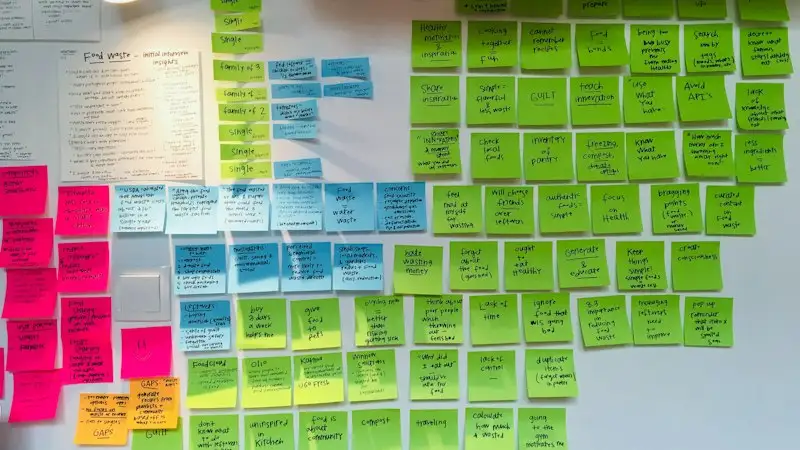
User interviews, surveys, diary studies, and usability testing — qualitative and quantitative.
Enquire about this→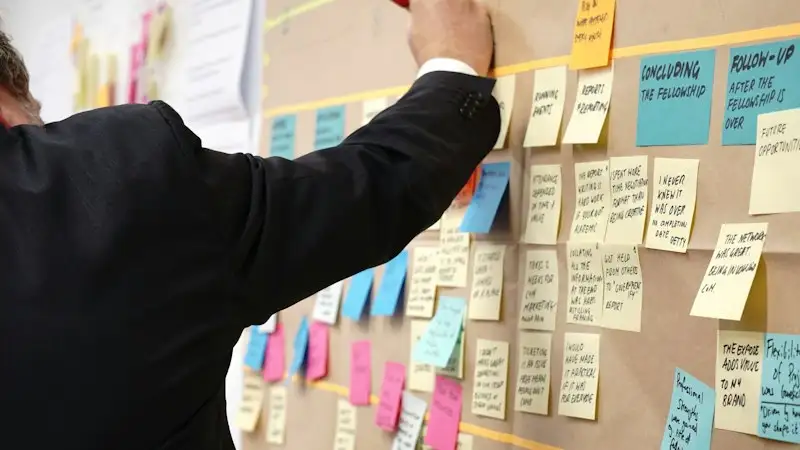
Vision, principles, north-star metrics, and roadmap alignment with business goals.
Enquire about this→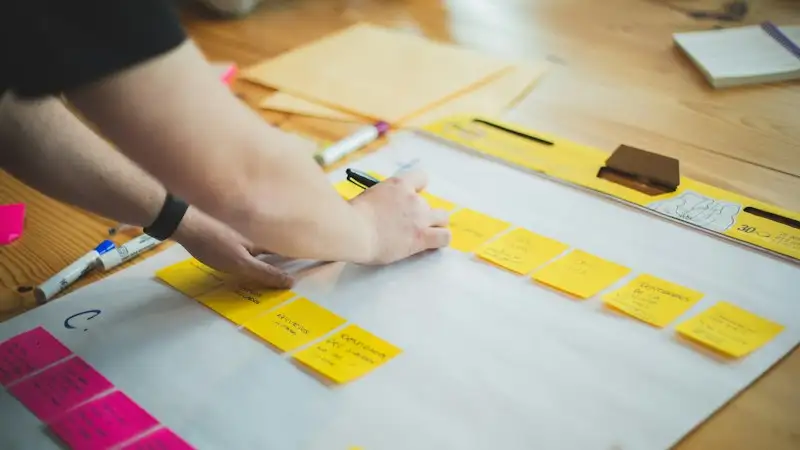
Sitemaps, navigation, content models, and taxonomies designed for findability.
Enquire about this→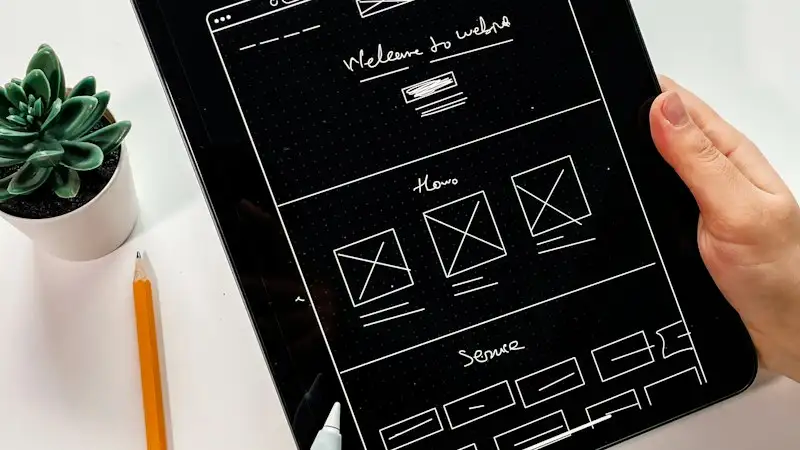
Low-fidelity wireframes and interactive prototypes for fast feedback loops.
Enquire about this→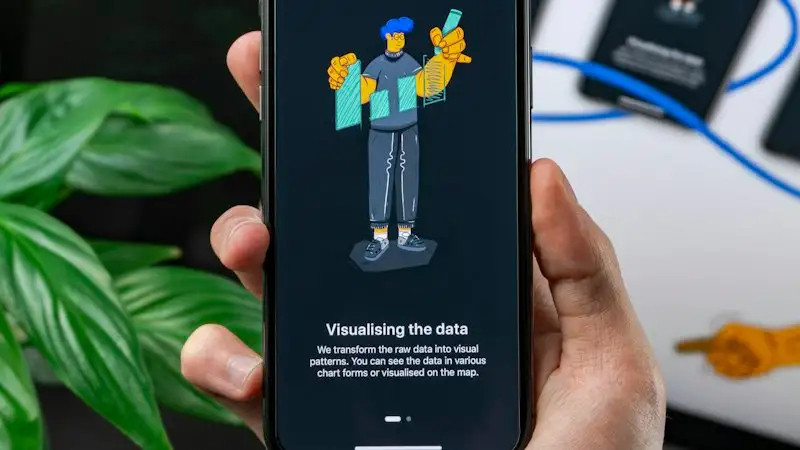
Polished, on-brand visual design across web, mobile, and marketing surfaces.
Enquire about this→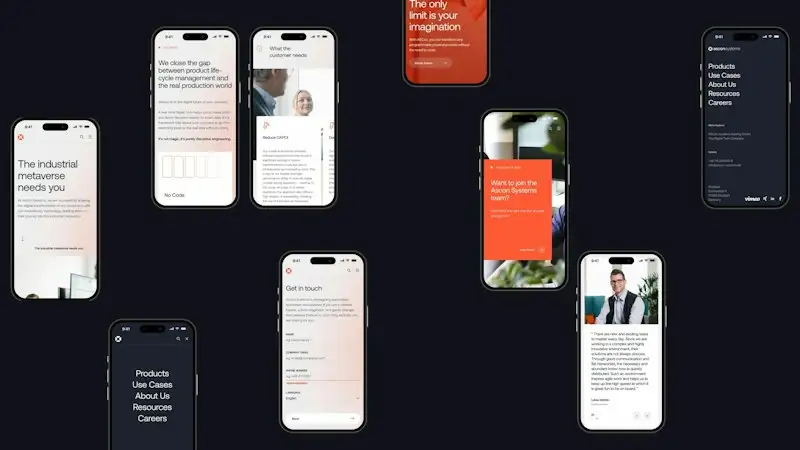
Native iOS and Android UI patterns with motion and micro-interactions.
Enquire about this→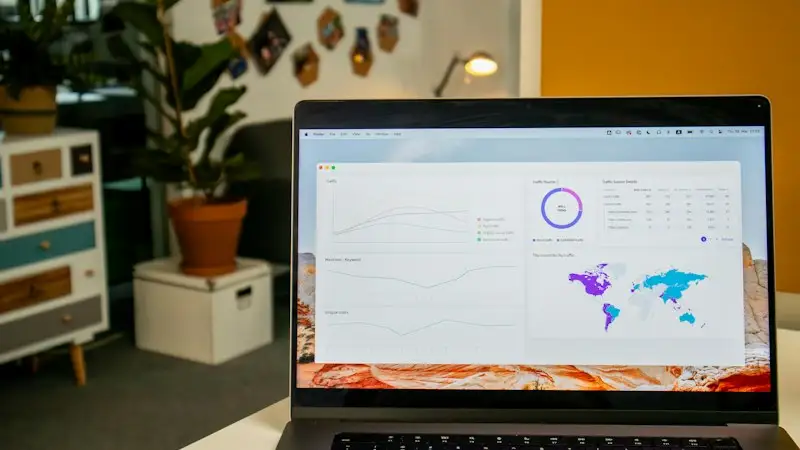
Dashboards, data visualization, and responsive layouts that scale across breakpoints.
Enquire about this→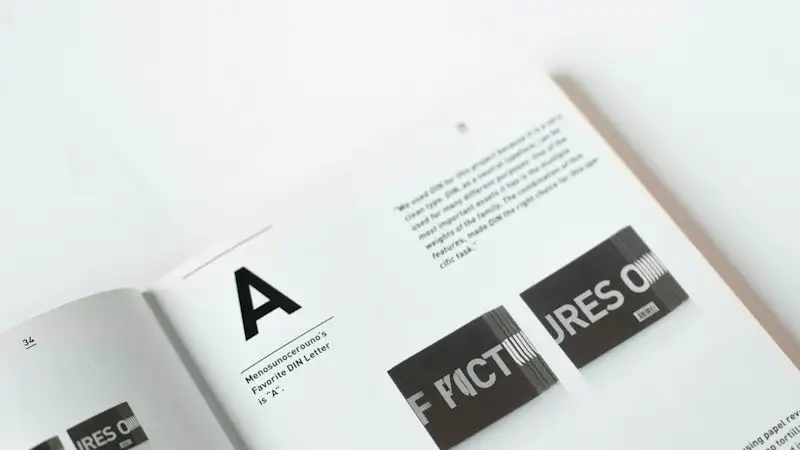
Tokens, components, patterns, and docs in Figma and Storybook for engineering reuse.
Enquire about this→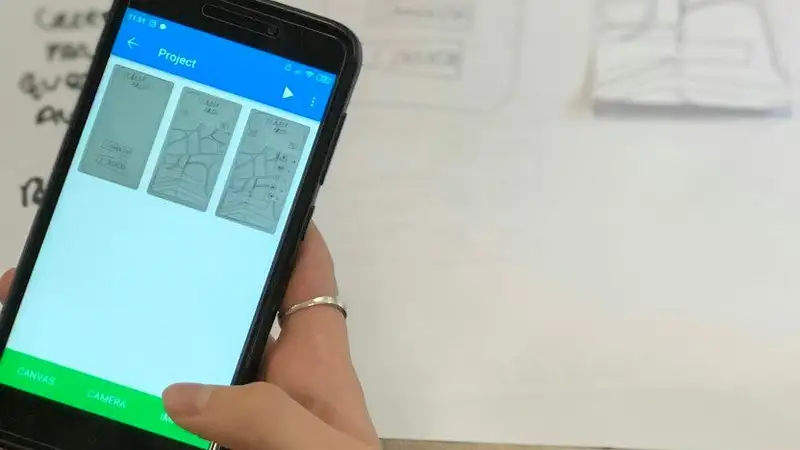
Moderated and unmoderated tests, heatmaps, and conversion-rate optimization.
Enquire about this→
WCAG 2.2 AA reviews, remediation roadmaps, and inclusive design coaching.
Enquire about this→
Logos, color, typography, and brand guidelines that translate to product surfaces.
Enquire about this→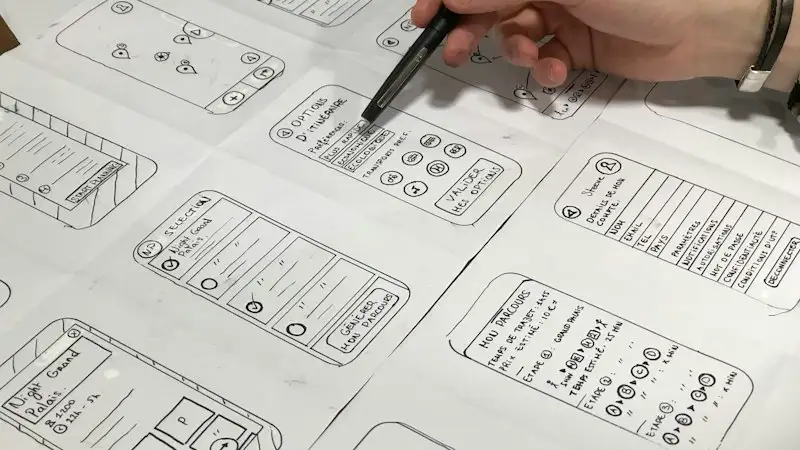
Specs, tokens, prototypes, and engineering QA support through to launch.
Enquire about this→From brief to delivery
A practical process with agreed milestones, regular reviews, and a handover your team can use.
Stakeholder workshops, user interviews, and competitive analysis.
Personas, journeys, IA, and a sharp problem statement.
Wireframes → high-fidelity UI → interactive prototypes.
Usability tests, iteration, and pixel-perfect dev handoff.
Tools of the trade
We choose tools around your existing systems, requirements, and long-term maintenance needs. The final stack follows the project.
Your next step
A few details help us understand your goals and come prepared. Fields marked * are required.
Before we begin
What to know about product ui/ux design, from project scope to ongoing support.
It covers user research, information architecture, wireframing, visual UI, interactive prototypes, design systems, accessibility, and engineering handoff.
Yes. We run user interviews, usability tests, surveys, and analytics reviews to ground design in evidence — not opinion.
We design in Figma with token-based design systems, document handoff, and partner with engineers throughout build and QA.
Yes. We design to WCAG 2.2 AA — covering color, contrast, focus order, semantics, and assistive-tech compatibility.
Yes. We create design tokens, component libraries, documentation, and Storybook integrations tailored to your stack.
A focused MVP design usually takes 4–8 weeks. Larger products with multiple platforms run 3–6 months.
Yes. We instrument and review activation, conversion, retention, task success, and SUS scores after launch.
From the blog
Practical guides from the team that does it, updated as we learn.
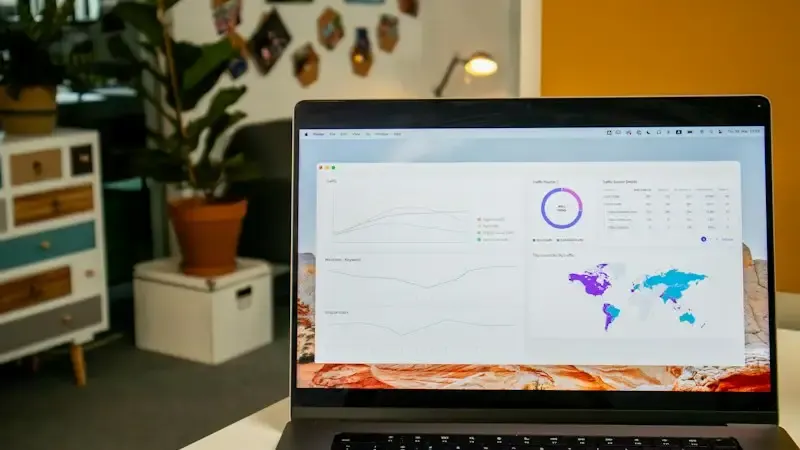
Website Development · 8 min read
Most website problems are baked in before launch. A practical checklist covering speed, mobile, forms, tracking, SEO basics and the handover — so the site works from day one.
Read article ↗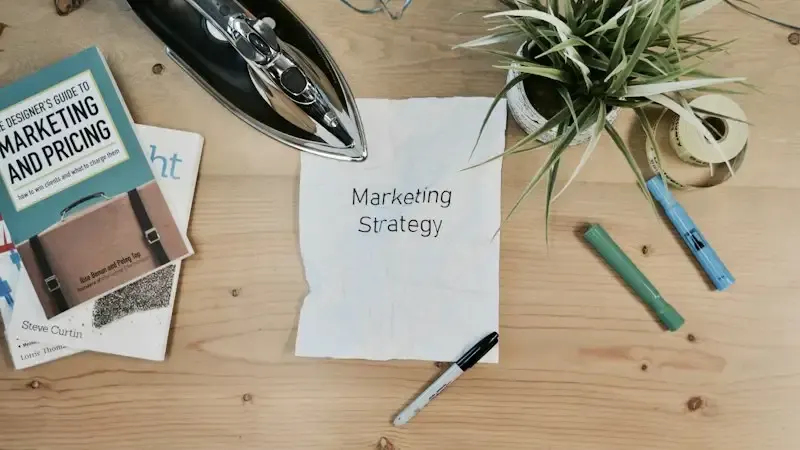
Digital Marketing · 7 min read
Traffic is easy to buy and easy to waste. How to structure search, social, content and WhatsApp into one funnel where every stage has a job, a measure, and a handover to the next.
Read article ↗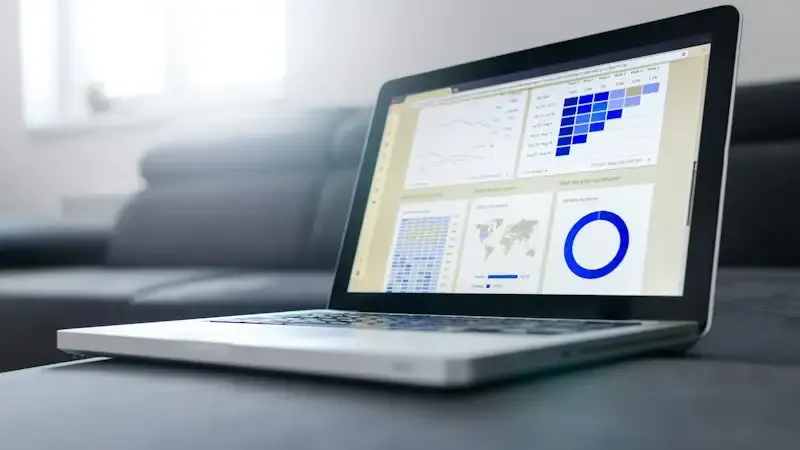
SEO · 8 min read
New content cannot rank on a site that search engines struggle to crawl, render or trust. Ten technical checks — crawlability, speed, duplication, structure — to do before the next article.
Read article ↗A conversation is a good start
Tell us what you want to build or improve. We will help clarify the scope, the approach, and the next step.